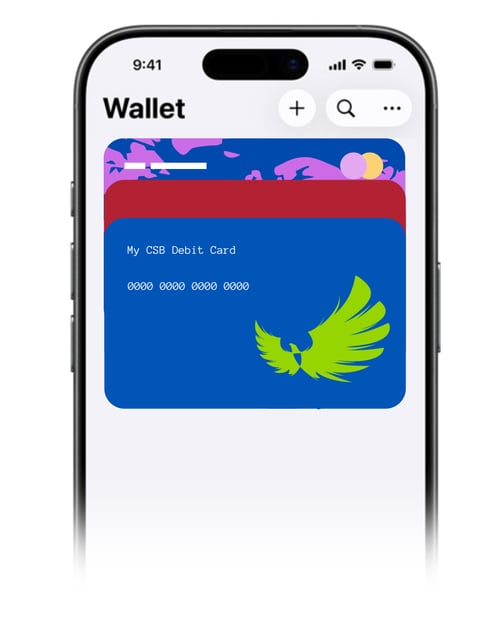
Adding Your Citizens State Bank Debit Card to Your Mobile Wallet
Using your debit card with your mobile wallet lets you make secure, tap-to-pay purchases wherever you go! Here's how to add your CSB debit card to yours.
Apple Pay (iPhone)
- Open the Wallet app.
- Tap the + button in the top-right corner.
- Select Debit or Credit Card.
- Follow the prompts to scan your Citizens State Bank debit card or enter the card information manually.
- Complete the verification process if prompted.
- Your card is ready to use with Apple Pay.
Google Wallet (Android)
- Open the Google Wallet app.
- Tap Add to Wallet.
- Select Payment card.
- Scan your Citizens State Bank debit card or enter the information manually.
- Follow the prompts to verify your card.
- Your card is ready to use with Google Wallet.
Samsung Wallet
- Open the Samsung Wallet app.
- Tap the + icon and choose Payment Cards.
- Scan your Citizens State Bank debit card or enter the information manually.
- Complete the verification process if prompted.
- Your card is ready to use with Samsung Wallet.
Need Help?
If you have questions or run into any issues while adding your card, we're here to help.
Call us: 888-529-5450
Visit: Any Citizens State Bank location